PN Master
OnCoor's Part Number Master feature
Overview
The Part Number Master Page in Master Data Management (MDM) is a central repository that stores and manages all relevant information related to part numbers used in an organization. It serves as a single source of truth for part-related data, ensuring consistency, accuracy, and control across different systems and processes.
Benefits of the PN Master Page in MDM
• Data Consistency: Prevents duplication and ensures uniform part identification.
• Enhanced Decision Making: Provides a clear view of parts data for better planning and analysis.
How it Works
Search the Part Number
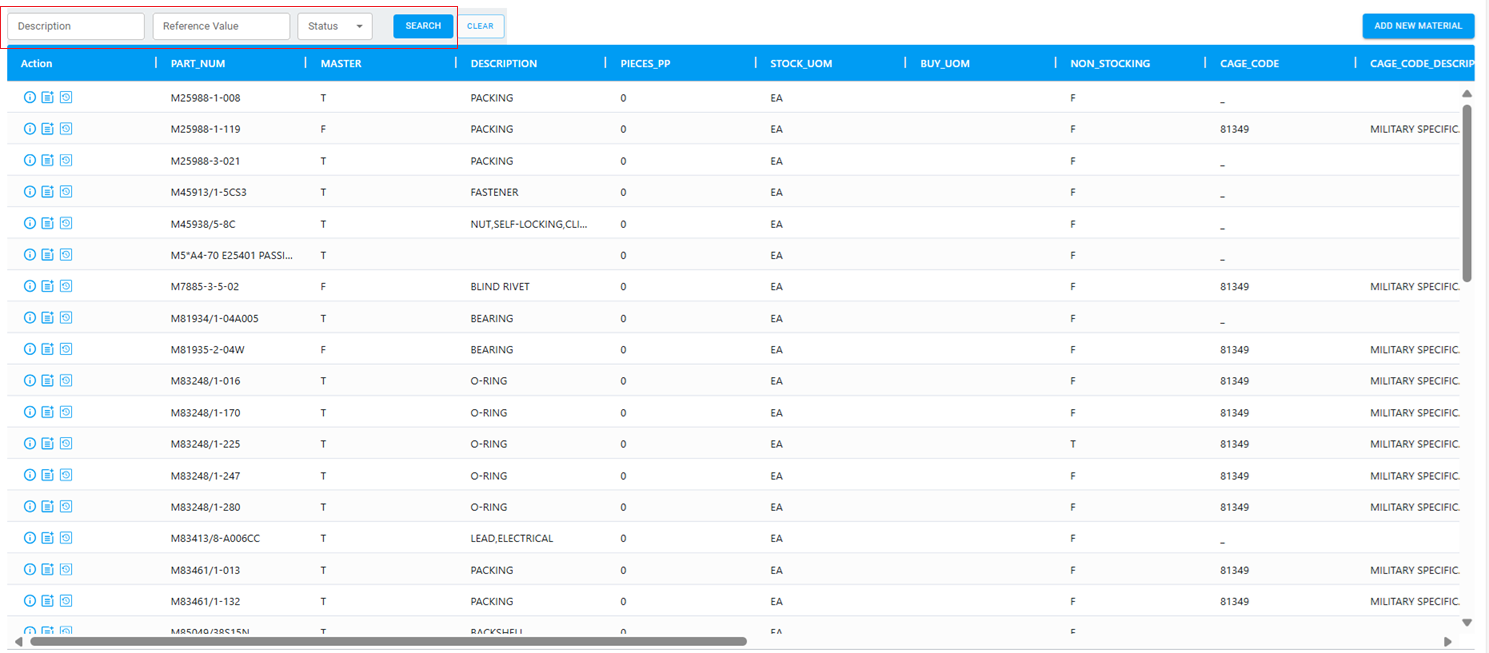
At the top of the screen is a search bar. When the user selects a specific Description,Reference Value,Status and clicks Search, the system displays all Part Number that meet the selected criteria.
Clear the Search
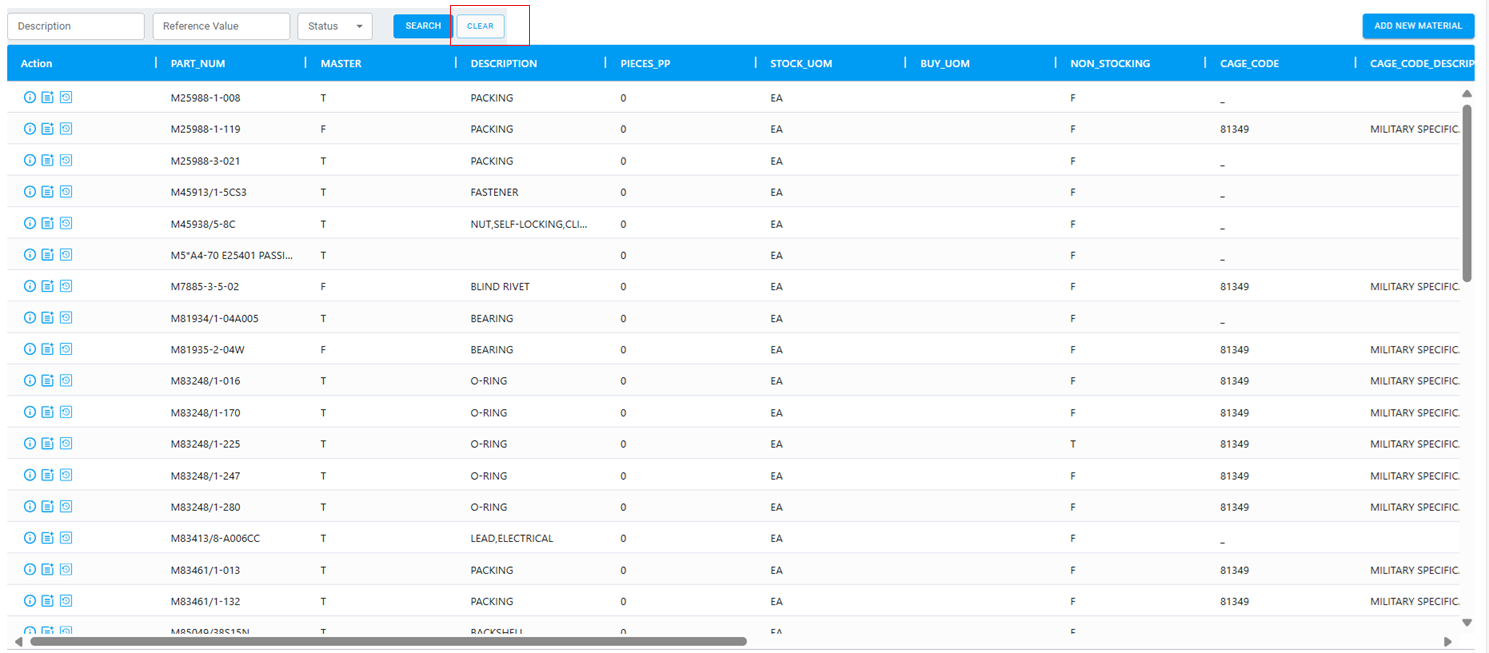
The user can also clear their search.
Add New material
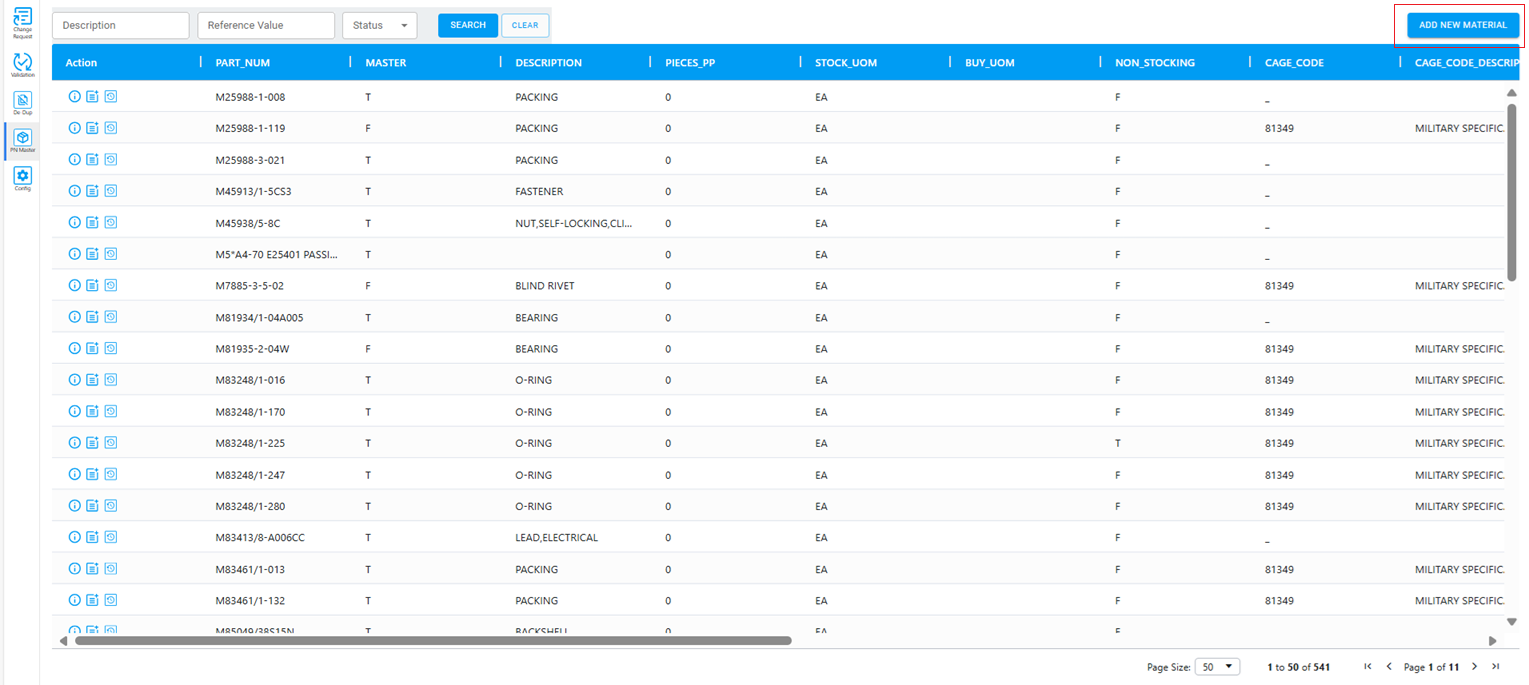
To add a new material, the user must click the Add New Material button shown on the screen. This action will open a pop-up window, as displayed in the next screen.
Popup Window
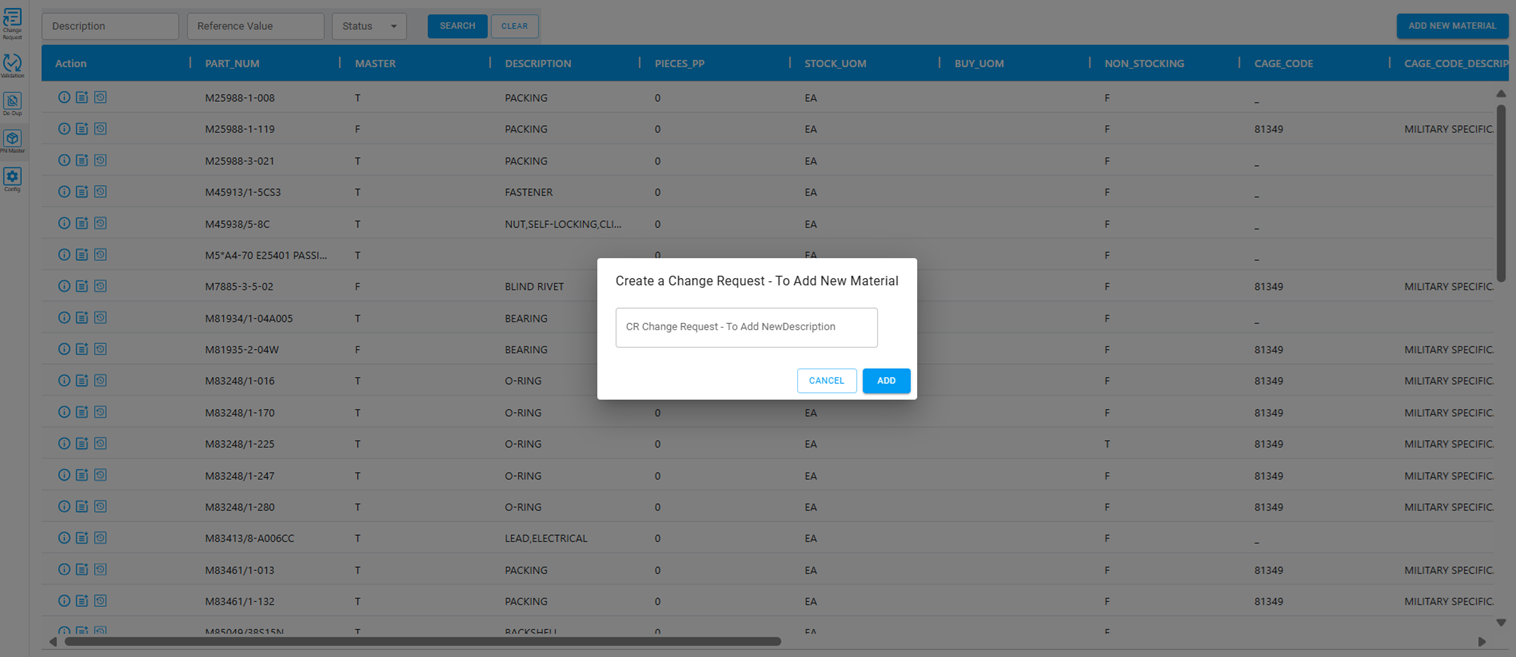
After the user enters the description and click Add button it will redirect to the CR Add new Material page
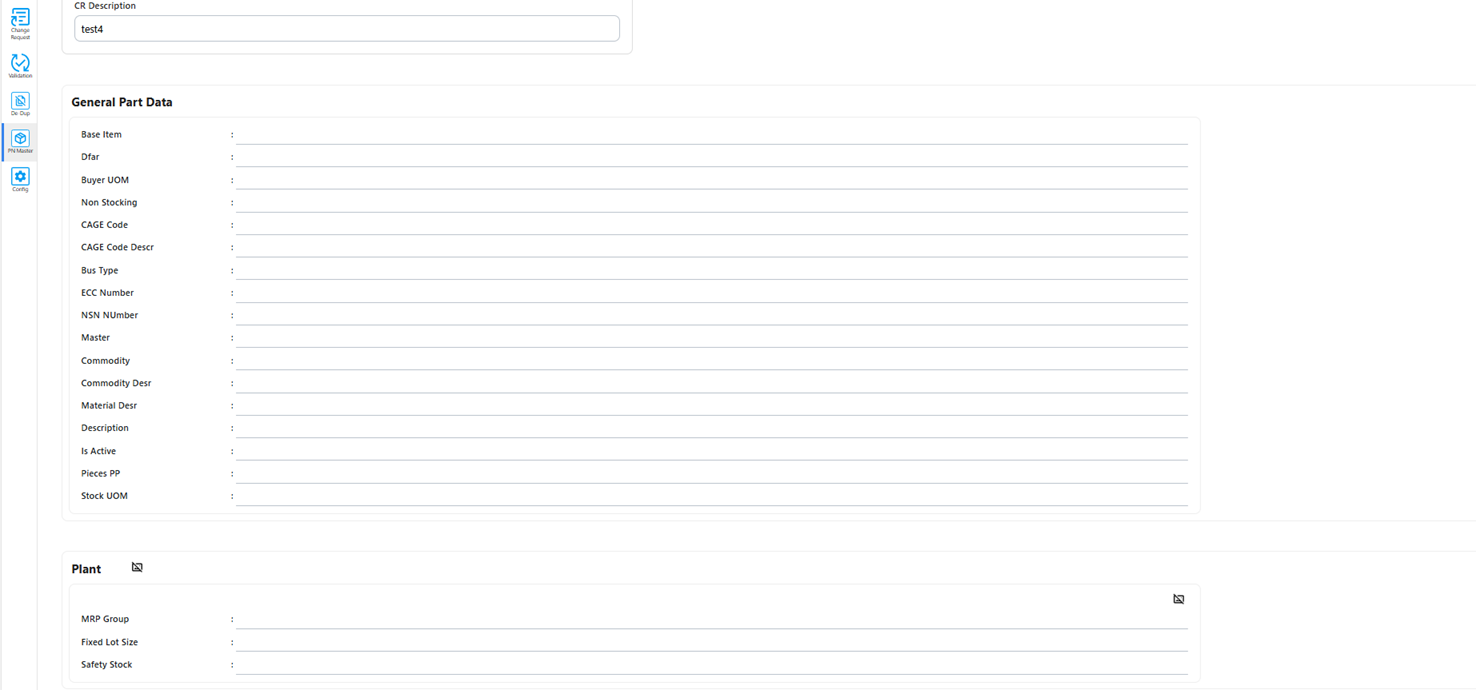
Update material
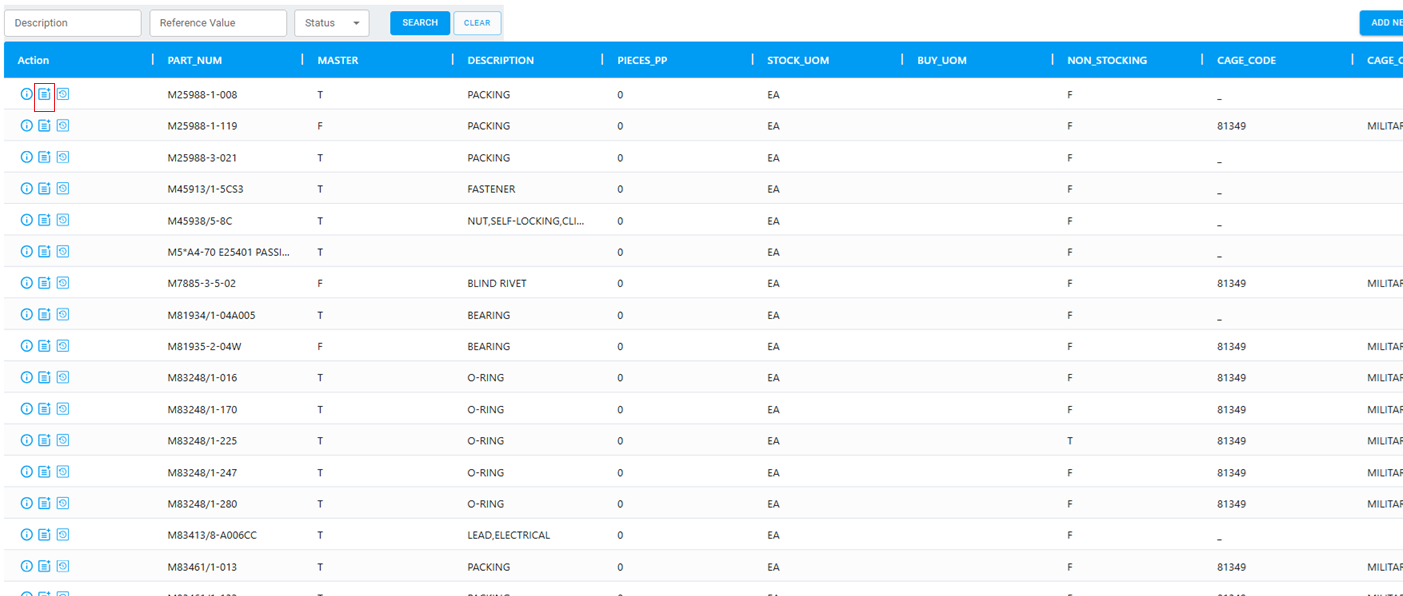
To update material User has to click the Change request button highlighted below. This action will open a pop-up window, as displayed in the next screen.
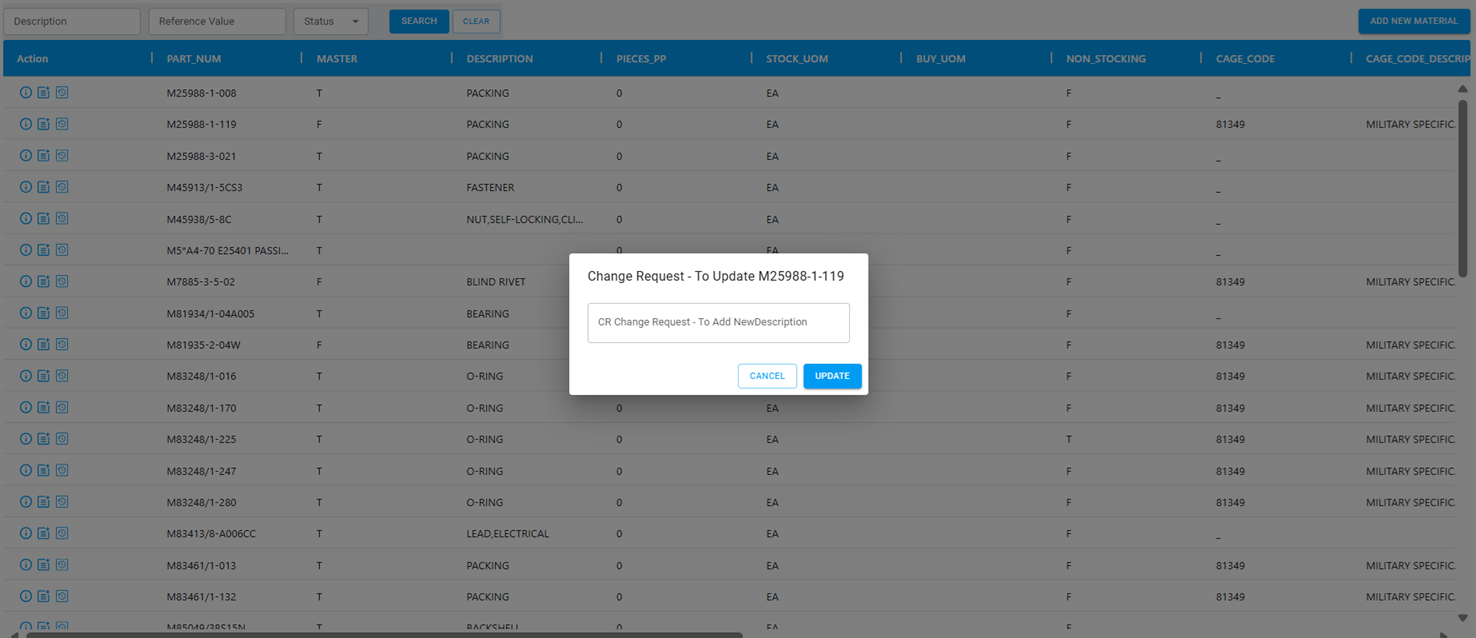
When a user adds or updates material and saves the request, it is sent through the workflow to the approvers configured in the system. A message will then appear stating, "Change Request Submitted," as shown on the screen.
Audit History
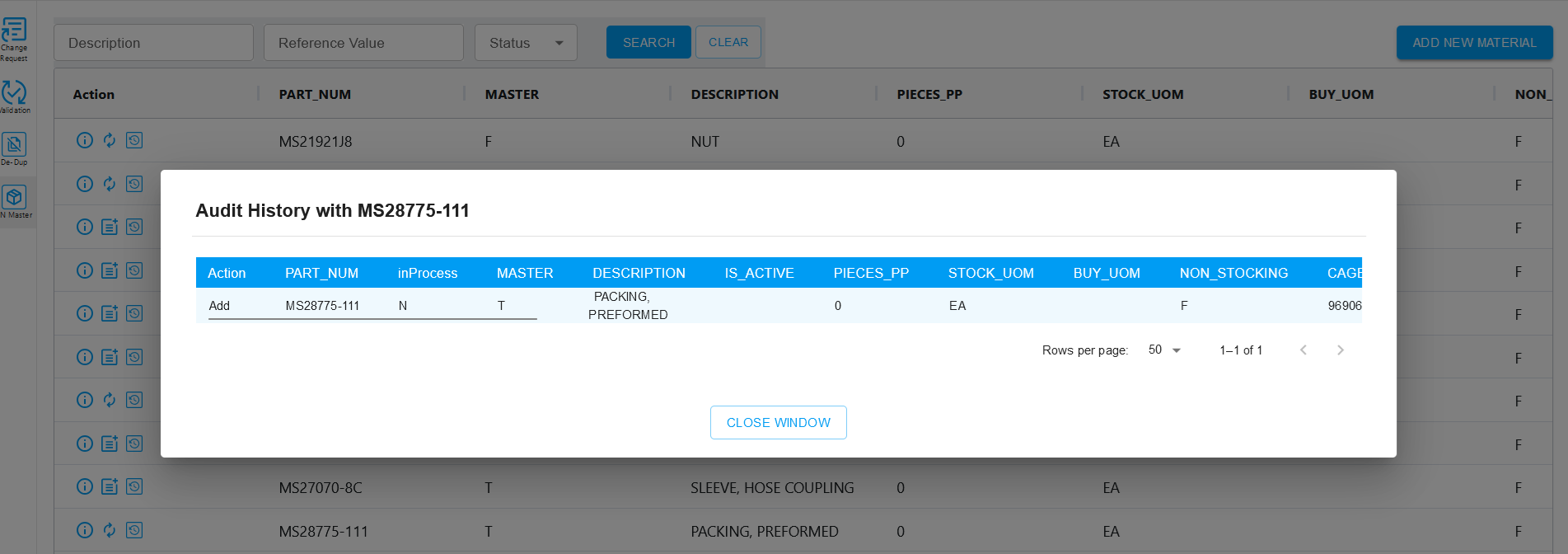
When the user clicks the Audit history button it will direct to the pages as given in the screen shots below.